
A professional content writer by the name of Ryan Goodchild contacted me about me posting an article he had written called “How to Capture and Cherish Your Pet’s Special Milestones Over Time”. The article is below. I provided some pictures.
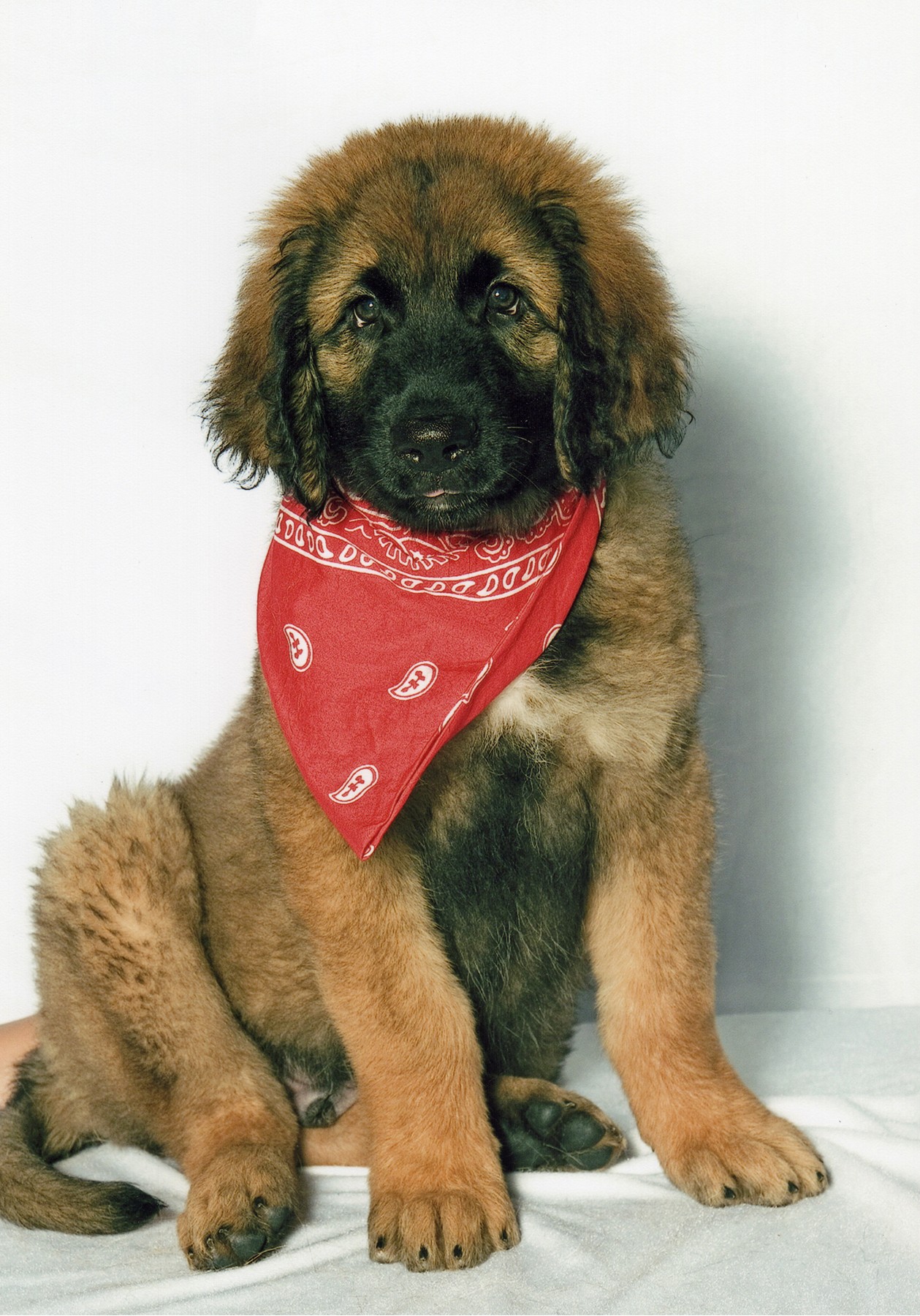
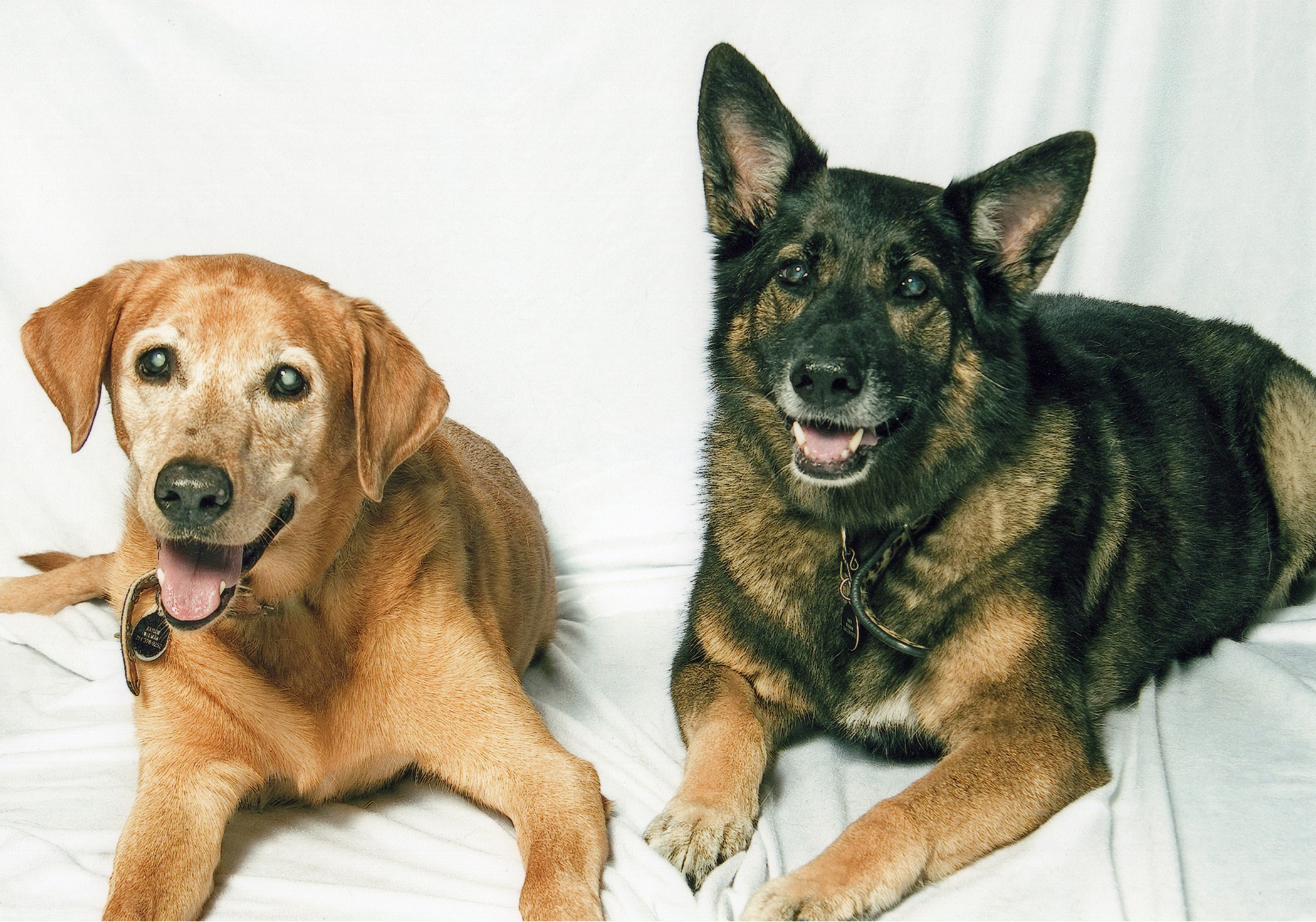
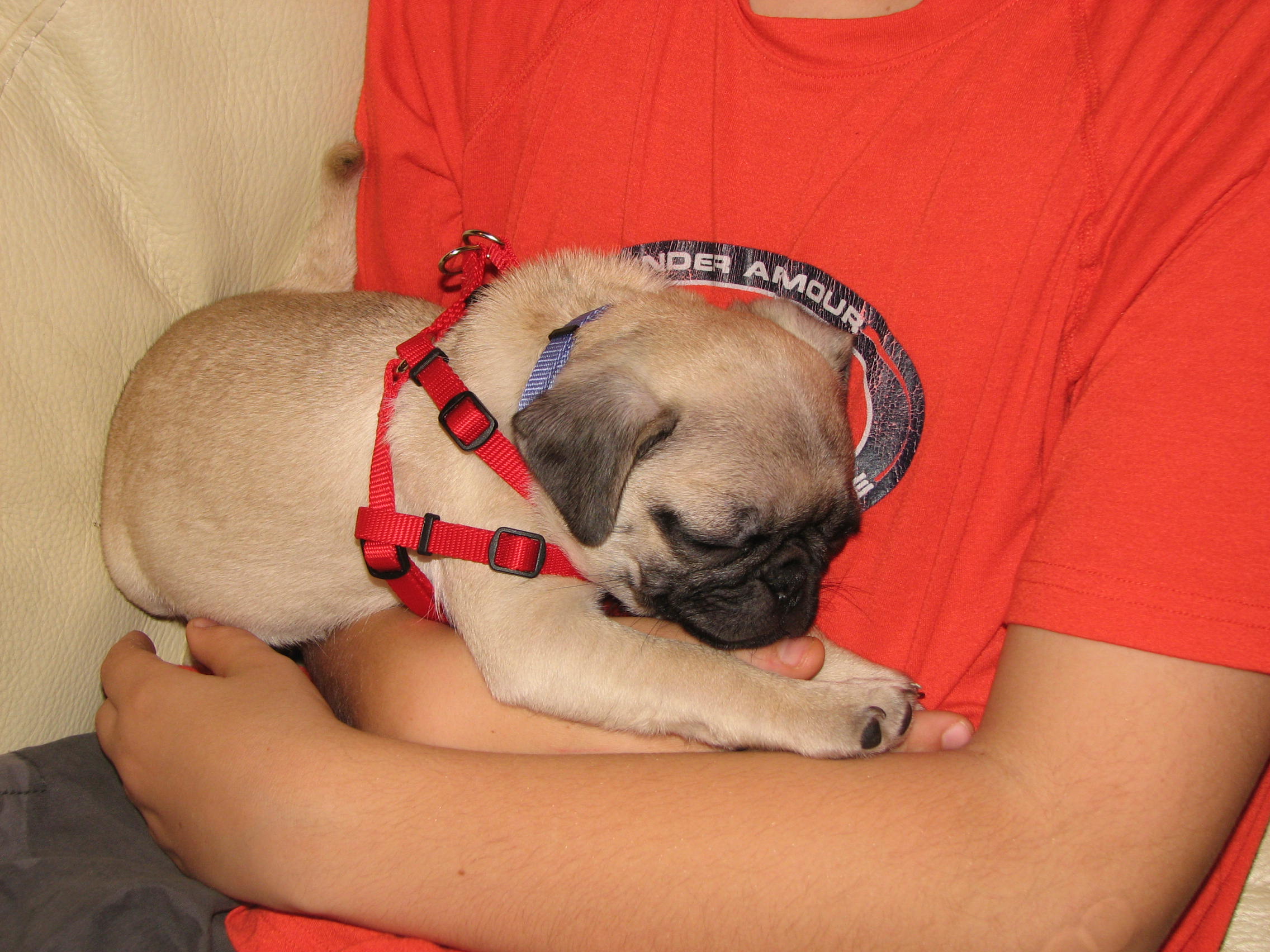
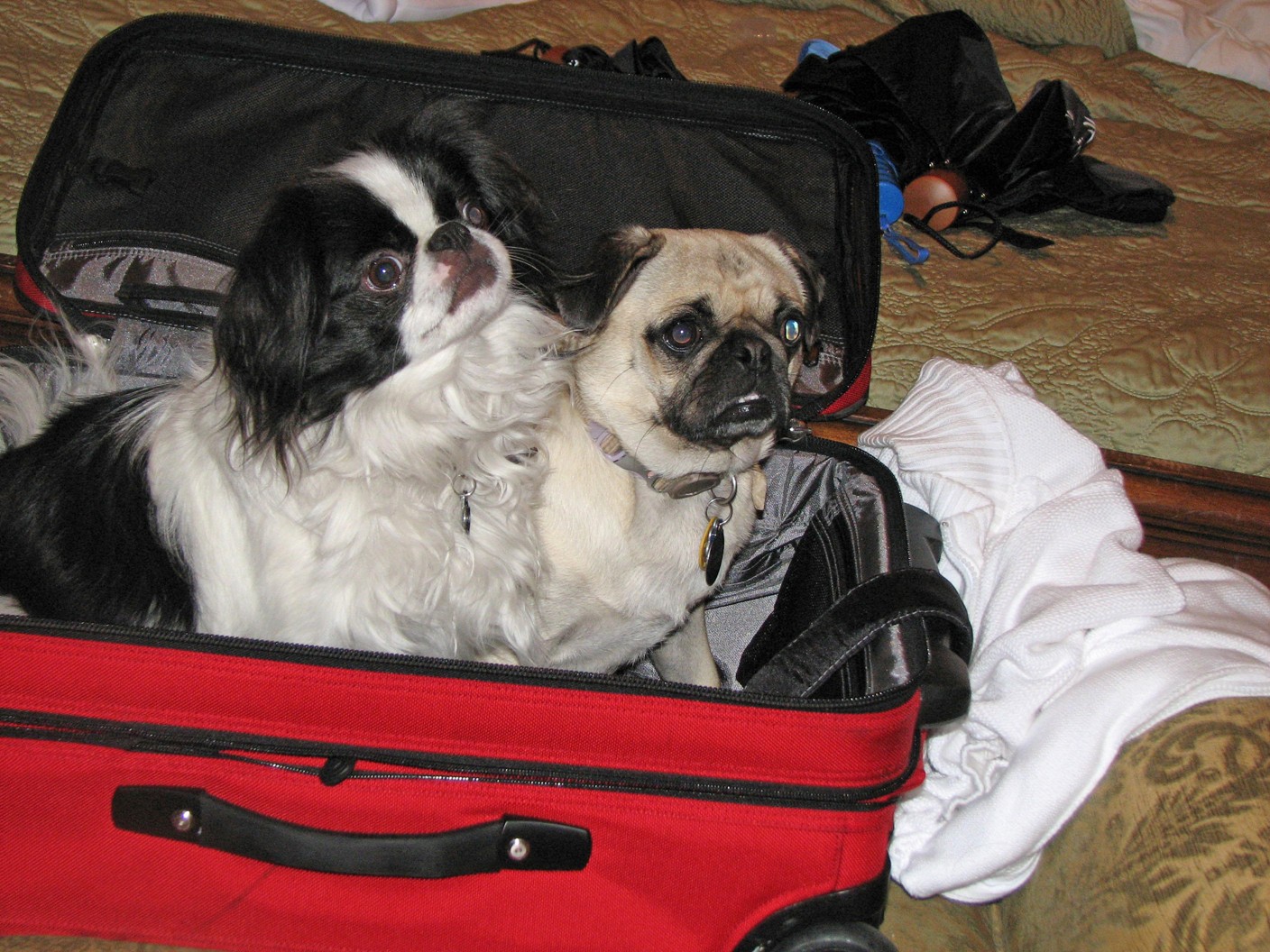
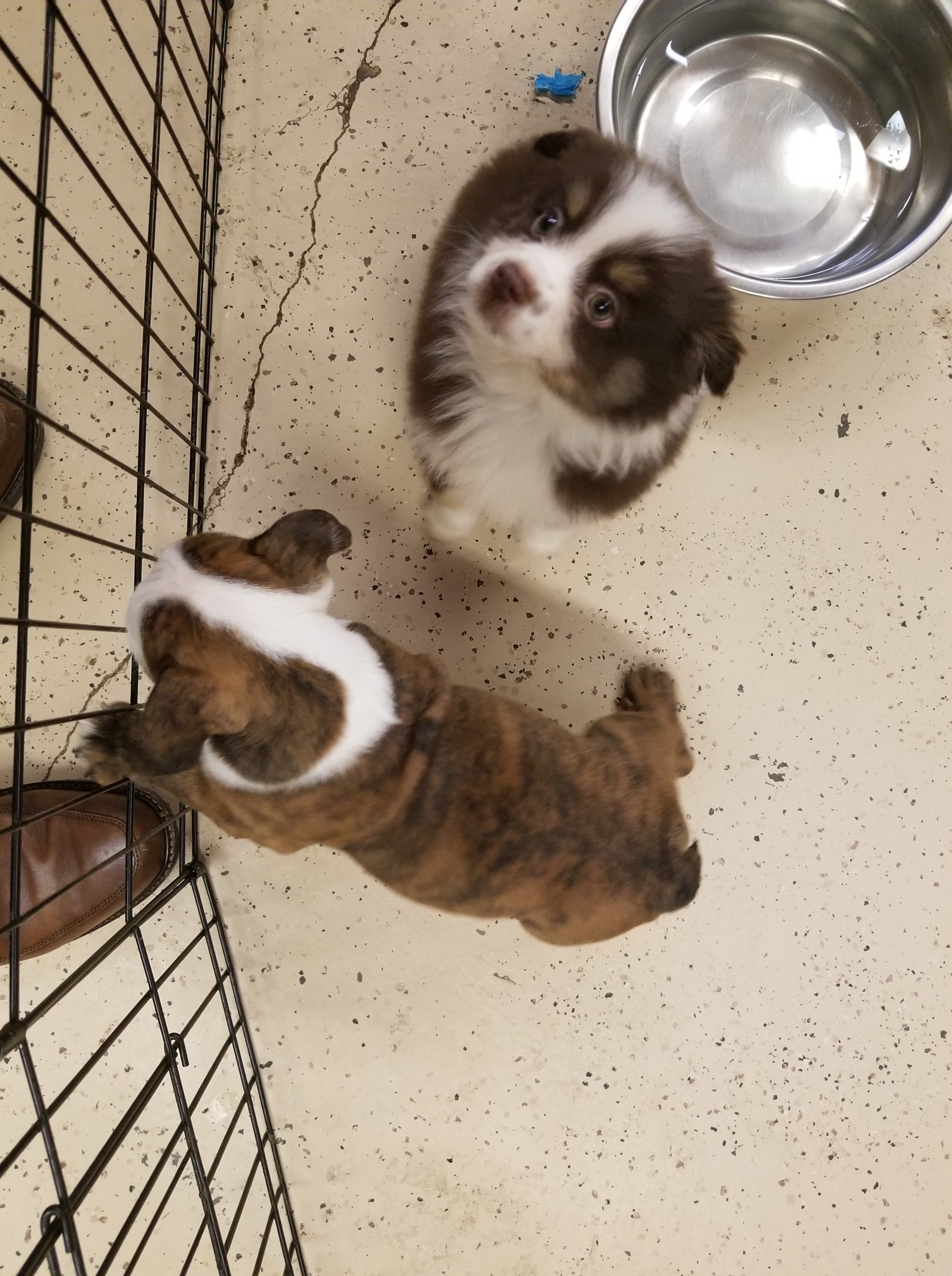
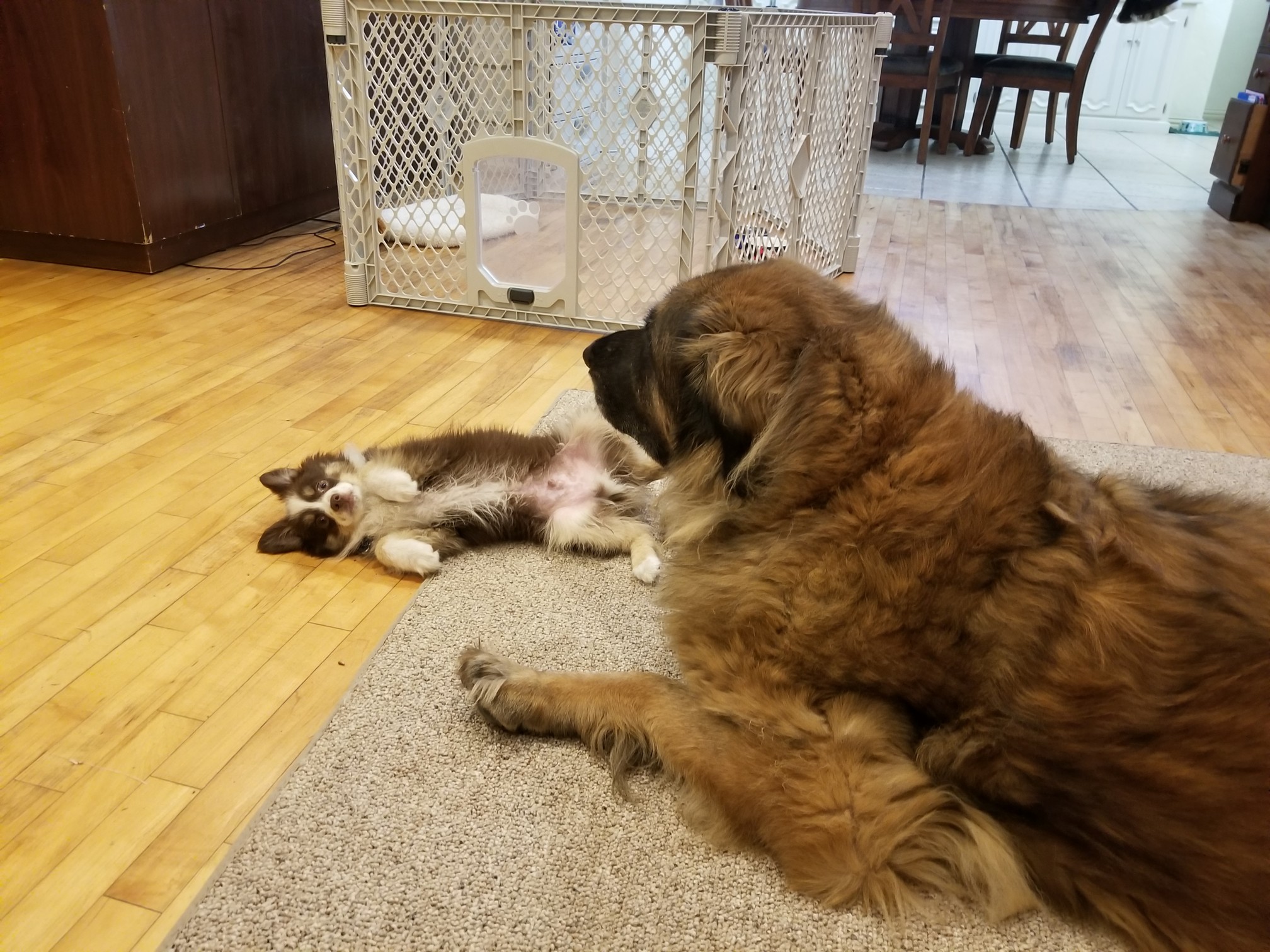
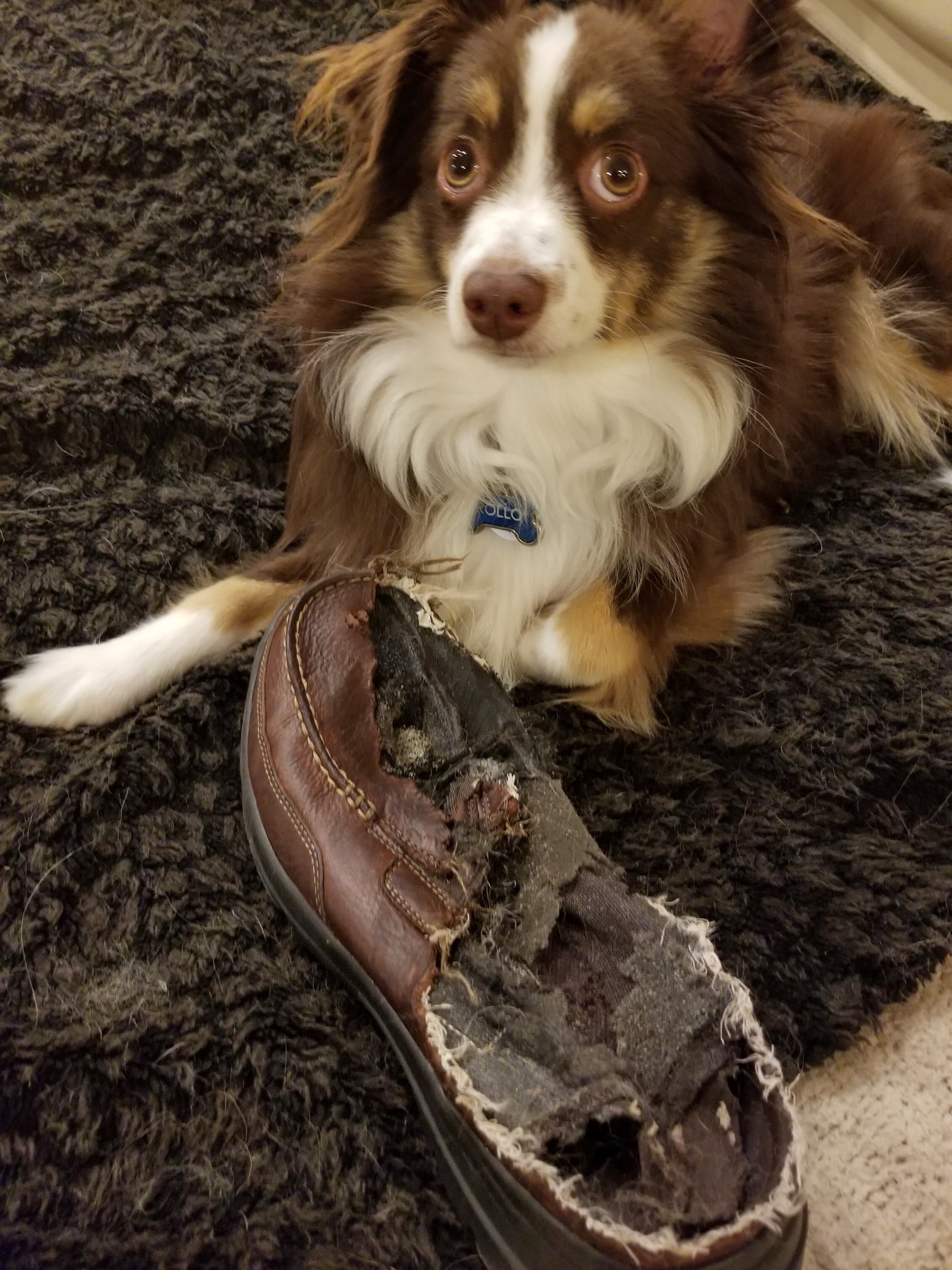
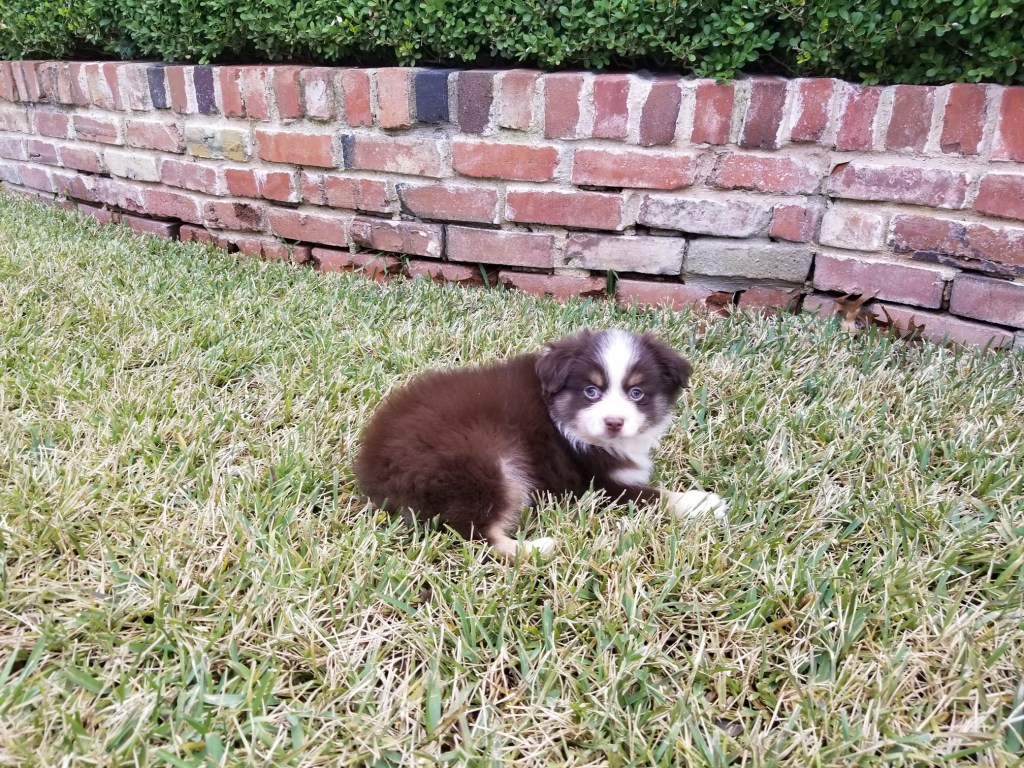
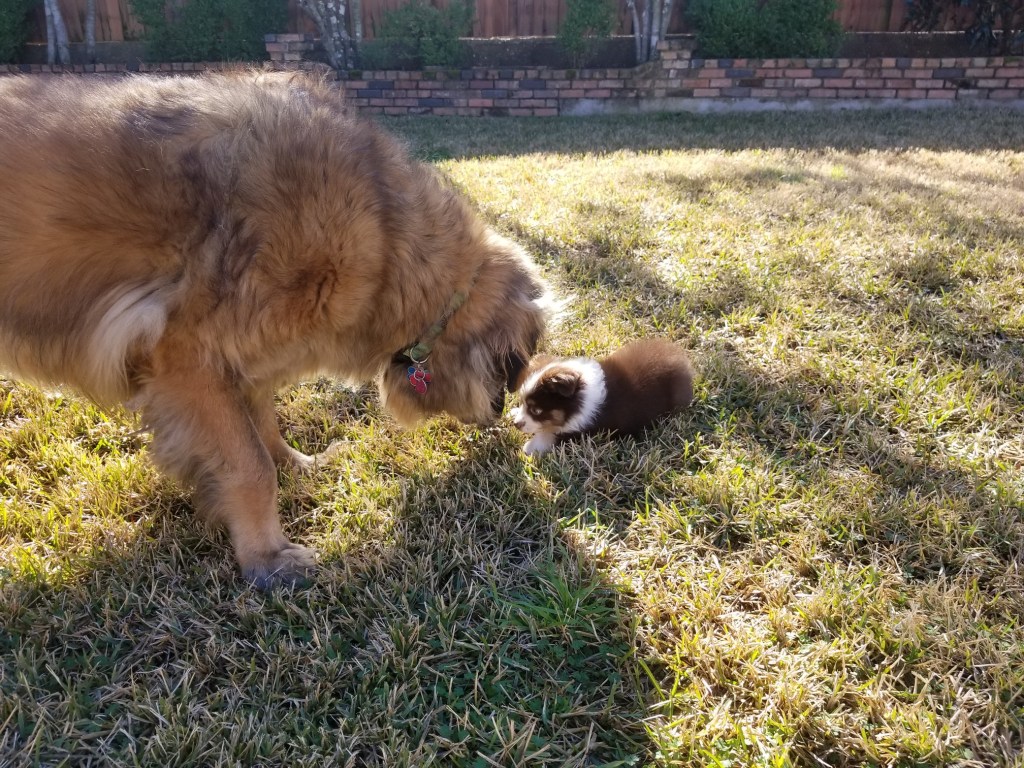
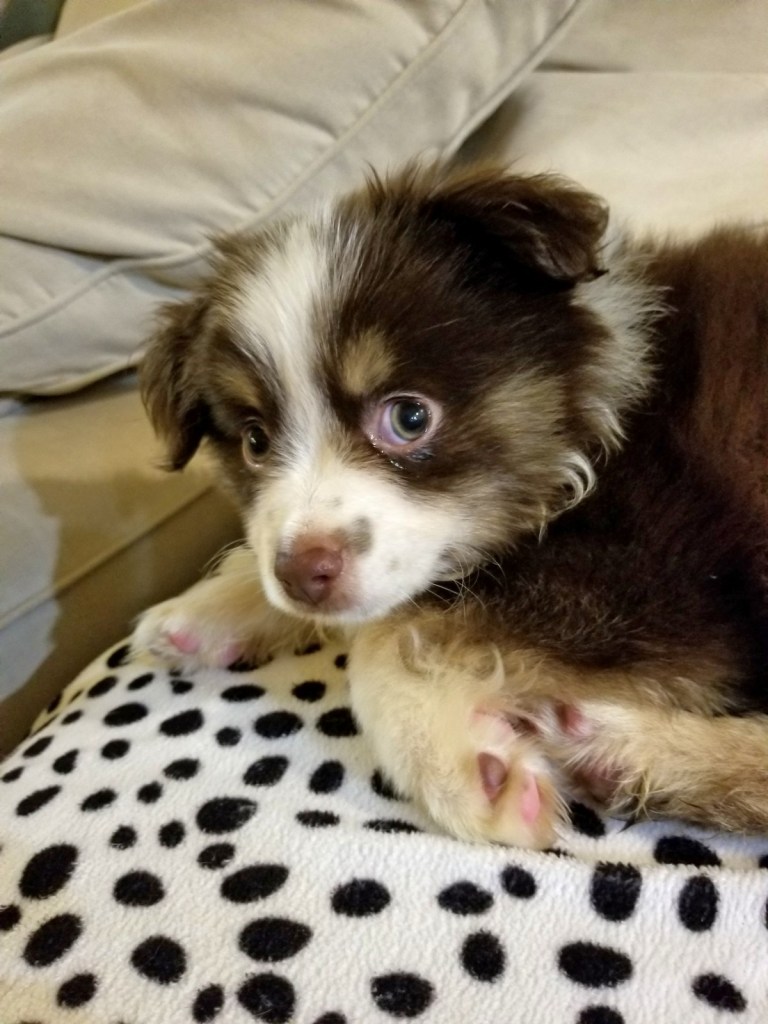
Our Leonberger Bronco at three months old. Our Labrador Baylor and our German Shepherd Baby. Our Japanese Shin Ryu when he was young. Our son with our pug Daisy when we had just brought her home. Our Japanese Chin Ryu and Pug Daisy staging a protest against us travelling. The day we picked up our mini-Australian Shepherd Rollo. He was nine weeks old. The other puppy is an English bulldog puppy. Bronco our Leonberger dog with Rollo our mini-Australian Shepherd. Our mini Australian Shepherd Rollo caught chewing up my shoe.
How to Capture and Cherish Your Pet’s Special Milestones Over Time
For busy pet owners balancing work, family, and daily routines, it’s easy to feel like a puppy’s first walk or a cat’s first confident cuddle happens and disappears in the same week. The tension is real: life moves fast, and capturing pet milestones can start to feel like one more task, until a forgotten “first” turns into a fuzzy memory. Pet memory preservation matters because those small moments build the story of a relationship, and noticing them strengthens emotional bonding with pets. With a simple, sustainable way to hold onto pet milestone memories, everyday “firsts” stay vivid.
Quick Summary: Capturing Pet Milestones
- Record pet firsts as they happen to preserve memories you might otherwise forget.
- Keep basic health notes to track changes over time and support better pet care.
- Save standout photos to create an easy visual timeline of meaningful moments.
- Choose practical tracking methods to capture value without building an overwhelming memory system.
Make Milestone Photos Print-Ready With Quick AI Enhancement
Once you’ve picked a simple plan for capturing milestones, the next win is making your favorite shots clear enough to share, and worthy of prints. Pet photos often suffer from tricky lighting, slight motion blur, and soft detail (especially in low light), which can dull the look of a special moment. AI image optimization tools can quickly improve lighting and brightness, sharpen key details like eyes and fur texture, reduce blur, and enrich colors so the memory feels as vivid as it did in real life. When you want to go beyond quick touch-ups, an AI image upscaler can also boost resolution and clarity, helping you enlarge a photo while preserving detail and visual quality instead of ending up with a grainy, pixelated result. If you have a small or slightly blurry milestone photo you’d love to print, an AI image enlarger can be a simple way to make it look more polished without advanced editing skills.
Build a Repeatable Pet Milestone Capture System
Your goal is simple: notice the moments that matter, capture them quickly, and file them the same way every time. A small, consistent system helps busy pet parents build a life story you can actually find and enjoy later.
- Decide what counts as a “milestone”
Start with 6 to 10 categories you will recognize instantly, like firsts, funny quirks, growth changes, training wins, health updates, and family moments. Keep the bar low so you record more often, not perfectly. When in doubt, capture it, because patterns only show up after you collect a few. - Notice changes and jot a one-line note
Right after the moment, write a quick caption in plain language: what happened, when, and why it mattered to you. The habit of taking notes on any changes like a shift in appetite or energy helps you remember context and can be useful later. If something seems off, flag it to discuss at a wellness visit. - Capture a “set” in under 30 seconds
Take 3 to 5 photos plus a 10-second video, aiming for one clear face shot, one full-body shot, and one scene-setting shot. Add one audio clip if it is relevant, like a new bark, purr, or happy whine. Multiple angles give you options even if one image is blurry. - File it immediately using one naming rule
Pick a single format you will never change, such as YYYY-MM-DD_Milestone_Keyword, and use it for every file. Create one main folder for your pet, then subfolders by year or milestone type, but not both. Consistent naming makes searching effortless months later. - Store two copies in two places
Keep one everyday copy on your phone or computer and one backup in a separate service or external drive. Turn on automatic uploads so your milestone set is protected even if you lose a device. A reliable backup is what turns cute captures into a long-term archive.
A Simple Rhythm You Can Repeat All Year
This workflow turns your milestone system into a light routine instead of a once-a-year catch-up. You will keep the story current with small touchpoints, while still creating time to enjoy what you have collected. It also reduces the stress of losing files or forgetting context as weeks blur together.
| Stage | Action | Goal |
| Capture (in the moment) | Record a quick set and one-line note | Preserve details while they are fresh |
| Weekly Sweep | Pick one favorite, discard obvious duplicates | Keep camera roll manageable |
| Monthly Label + Sort | Add tags, rename, move into the right folder | Make searching painless later |
| Monthly Share or Print | Send one highlight to family or add to album | Turn files into lived memories |
| Quarterly Backup Check | Confirm two copies exist and sync is working | Protect the timeline from loss |
Each stage feeds the next: quick capture creates raw material, weekly triage keeps it tidy, and monthly sorting makes it findable. The share or print step keeps motivation high, and the backup check keeps the whole archive safe.
Turning Pet Milestones Into a Habit You’ll Keep
It’s easy to assume there will be time later to sort photos and remember the “firsts,” until later turns into missing details. The steady approach here, small, repeatable documentation with occasional organizing, builds motivation to document pets without relying on perfect memory or big bursts of effort. Over time, milestone tracking starts to feel simple and reliable, and continuous memory preservation becomes a comforting rhythm rather than a backlog. Small saves, done consistently, become the memories you’ll never have to reconstruct.


Adogable.
LikeLiked by 1 person
Thank you so much Cindy
LikeLike
Love all the photos, Thomas! The one with Rollo and the chewed up shoe – just looking at his facial expression… 😆 Interesting to learn more about AI photo upscalers, but I’m hesitant to use those – kind of feels like “cheating”. Still, I use other photo editing software, so there’s probably not much difference? 🤔 Excellent advice to keep track of changes in habits and health for your pets.
I have hundreds of dog photos and enjoy looking at them now and again. Not only pics of my own dogs, but every client got a vacation photo to take home, and I kept copies of those as well.
LikeLiked by 1 person
Thank you so much Debbie. I have to admit I have not used the AI upscalers myself so I don’t really know. It is amazing that you have so many dog photos of different dogs. It sounds like a treasure trove.
Rollo knew / knows he is not supposed to chew shoes and he seems to be acting guilty when caught. I remember when I met him in the hallway carrying one of my shoes in his mouth. He stopped and stared at me for a few seconds and then he turned around and tip toed back to where the other shoe was and he gently placed the shoe he was going to chew right next to the the other shoe correctly turned and everything. Then he tip toed away without looking at me. I guess nothing happened.
LikeLike
Very useful, Thomas! Yes, “life moves fast,” but their lives are also “unfairly” short, which somehow encourages us to keep track of their precious existence with us. Thank you for easing our pet tasks, including the records of their evolution and staying with us. Light and blessings to you, my friend, always!
✨🙏
LikeLiked by 2 people
Thank you so much Susana. You are right. Their life is short but they live in our hearts forever so we want to save memories. Light and blessings to you too, my friend.
LikeLiked by 1 person
Beautiful fur babies. Great pictures. 🙂
LikeLiked by 1 person
Thank you so much for your kind words Jeanne.
LikeLiked by 1 person
You are very welcome. 🙂
LikeLiked by 1 person
Such a wonderful, practical guide!
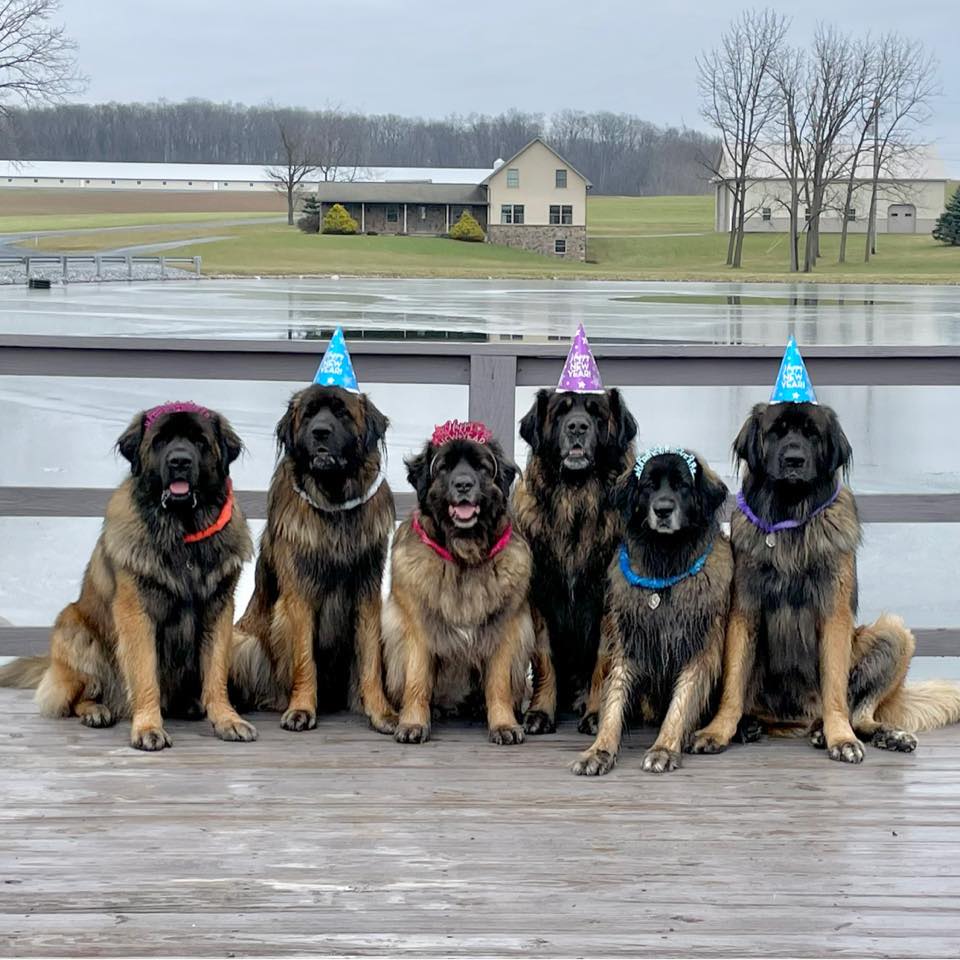
Your advice on capturing these fleeting moments is fantastic, and the photos of Bronco, Rollo, and all those gorgeous dogs make this post absolutely heartwarming. 🐾
LikeLiked by 1 person
Thank you so much Luisa. Yes Ryan wrote a great article.
LikeLiked by 1 person
You’re more than welcome 🙏
LikeLiked by 1 person
Java Bean: “Ayyy, Rollo, that is some excellent artistic work you have done on your Dad’s shoe! Nice job!”
Chaplin: “Look, Charlee, the shoe has been opened for easier access for your face.”
Charlee: “I DO NOT HAVE A SHOE FETISH!!! But yes that does appear to be in compliance with all accessibility requirements.”
LikeLiked by 2 people
Ha ha Java Bean, yes Rollo is an artist. Chaplin and Charlee, you are right the shoe is wide open for exploration and wonderful smells. I just can’t wear for walking.
LikeLike
Yes so true! Taking lots of pictures is so important. Those ordinary moments become key. ❤
LikeLiked by 1 person
Thank you so much Sara, and you are right. That is one advantage of cell phones / smart phones. You can very easily take pictures and videos.
LikeLike
I agree with the advice that we need to capture these milestones in the moment. I know as I’ve gotten older is that if I don’t record and keep track of our pets’ milestones at the time, I often forget when I try to go back later and recall them.
LikeLiked by 1 person
Thank you so much Pete. Yes it is so easy to let those moments slip by. That is one advantage of cell phones. It so easy to take pictures at any moment. Memories are great to keep.
LikeLiked by 1 person
all those photos are fab – that poor shoe – and that adorable Rollo Aussie pup!
LikeLiked by 1 person
Thank you so much Linda. It was a $70 shoe, and chewed up a couple of more of those. The worst was when he chewed up wife’s expensive nice shoes. She was not happy. It is funny but he was the only one amongst our dogs who chewed up shoes.
LikeLiked by 1 person
I had one such chewer… never shoes. The other dog only chews food and treats…. They’re all unique personalities!
LikeLiked by 1 person
Chewing food and treats cost less than shoes. You are right Linda, they all have different personalities. Rollo is the only one of our dogs that chewed shoes, eat poop, demand belly rubs, and hate most other dogs. Ryu, our Japanese Chin was the only dog who loved howling all the time and sounded like an opera singer. Daisy our Pug was the only dog who liked to chase cars. Bronco, our Leonberger was the only dog who was 100% totally unafraid and confident, etc.
LikeLiked by 1 person
It’s fascinating – as with people, so with pets!! 🙂
LikeLiked by 1 person
Yes you are right Linda. We have different personalities and so do they.
LikeLiked by 1 person
This is a great way to make memories and capture all the special moments with your pet/pets.
LikeLiked by 1 person
Yes I agree. Ryan did a great job. Thank you so much Pooja.
LikeLiked by 1 person
You’re most welcome.
LikeLiked by 1 person
Thanks for sharing this article about remembering to capture those important memories with the furry family members we often adopt into our lives. There are some great tips here.
LikeLiked by 1 person
Thank you David. I agree, Ryan did a good job.
LikeLiked by 1 person
Good ideas! It is surprising what we forget and how rarely I print photos anymore. But I do have five photos and paw prints on a special wall of dogs who have crossed the bridge. Maybe I’ll start printing to make collages for Marley and Georgia Moo.
LikeLiked by 1 person
Thank you JoAnna. Yes Ryan did a good job. Collages for Marley and Georgia Moo sounds like a good idea. I am thinking about making a photo album for our dogs.
LikeLiked by 1 person
Photo albums would be great, too. I could do one photo album for all the dogs together.
LikeLiked by 1 person
Yes that is what I am thinking
LikeLiked by 1 person
It’s a lovely idea to keep a pe
LikeLiked by 1 person
Yes I agree, I see the rest of the comment
LikeLike
🤗💛
LikeLiked by 1 person
Oops sorry, posted half a comment. Keeping a pet portfolio is a great idea. I have my recent photos in a single folder, the rest are a bit scattered.
LikeLiked by 1 person
Yes I agree with you. I have a dog photo folder and I am thinking of making a dog album. Thank you so much Robbie.
LikeLike
That is a great idea 👌
LikeLiked by 1 person